Variable(変数)
ステージへ表示する変数を定義します。
 |  |
 |  |
Variable.number ( 数値型の変数 を作る )
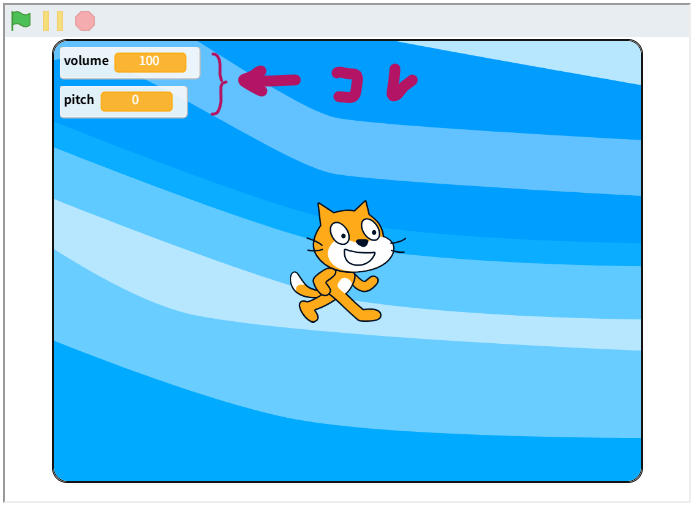
変数『volume』を作成します。変数の表示は変数名と同じ『volume』です。
typescript
import { Typescratcher as Ts } from "@tscratch3/typescratcher";

// 変数を定義する
const volume = Ts.Variable.number( 100 ); // 初期値を100とする
Ts.Variable.monitoring( { volume } ); // モニター対象にする

volume.hide(); // 変数を隠す

volume.show(); // 変数を表示する

volume.value = 20;  // 変数の値を 20 にする

volume.value += 10; // 変数の値に 10を加算する変数『volume』を表示するときのモニターの名前を変えるときは次のようにします。
typescript
// 変数を定義する
const volume = Ts.Variable.number( 100 ); // 初期値を100とする
// モニター表示の名前を 'ボリューム'にする
Ts.Variable.monitoring( { 'ボリューム' : volume } );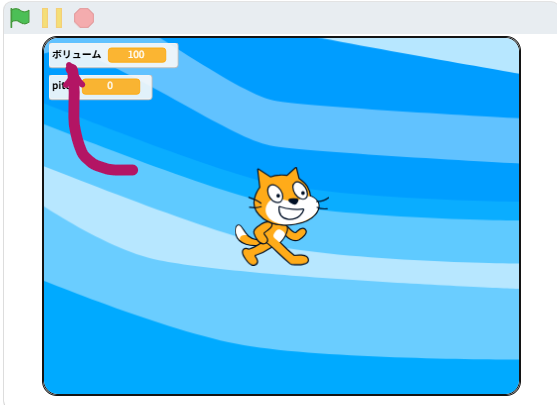
Variable.string ( 文字列型の変数 を作る )
変数『message』を作成します。
typescript
import { Typescratcher as Ts } from "@tscratch3/typescratcher";

// 変数を定義する
const message = Ts.Variable.string( 'こんにちは' ); // 初期値を'こんにちは'とする
Ts.Variable.monitoring( { message } ); // モニター対象にする

message.hide(); // 変数を隠す

message.show(); // 変数を表示する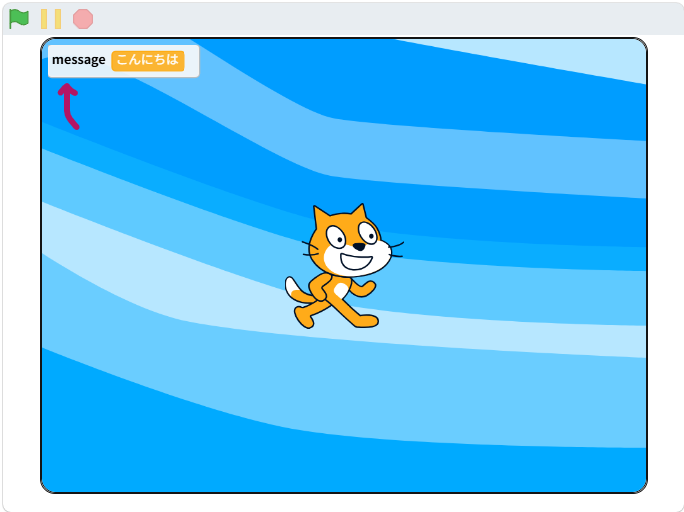
typescript
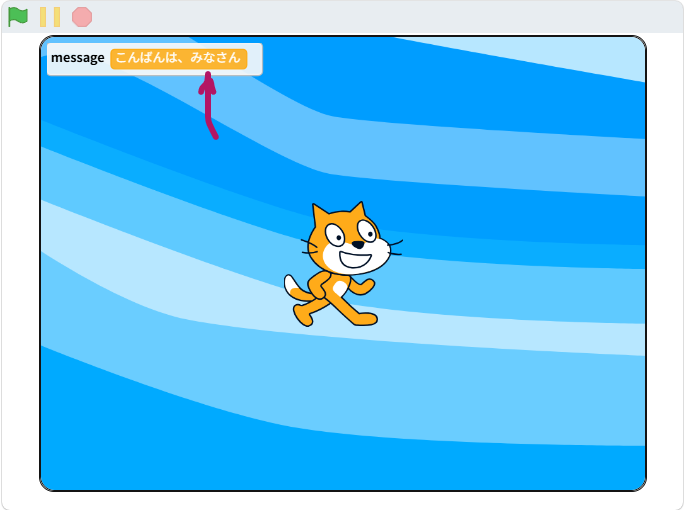
message.text = 'こんばんは'; // 変数の値を 「こんばんは」 にする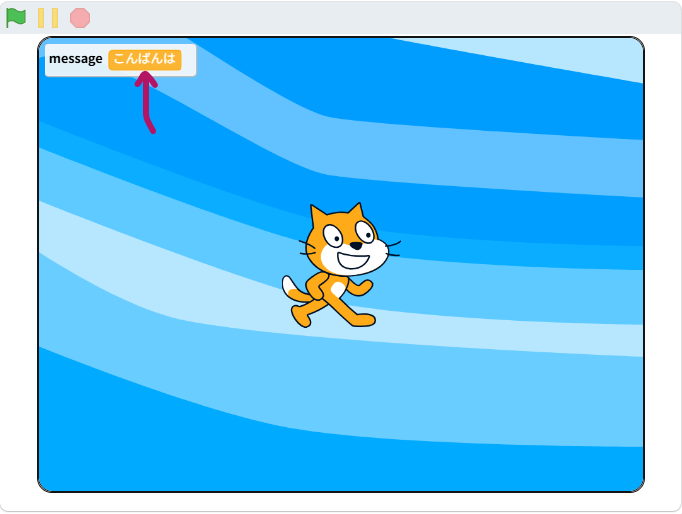
typescript
message.text += '、みなさん'; // 変数の値に 「、みなさん」を追加する